
Browse Articles
Select a Product
null Support Directory
Browse all null articles. (Last Updated
No articles found.
Search Results
No articles found.
Storyline 360: Publish Successful Window
Article Last Updated Aug 5, 2026
This article applies to:
After publishing a Storyline 360 course, you’ll see the Publish Successful window. Click View Project to open the published course in your default web browser. Use the available options to email the course, upload it to an FTP server, create a ZIP file, or open the published output.
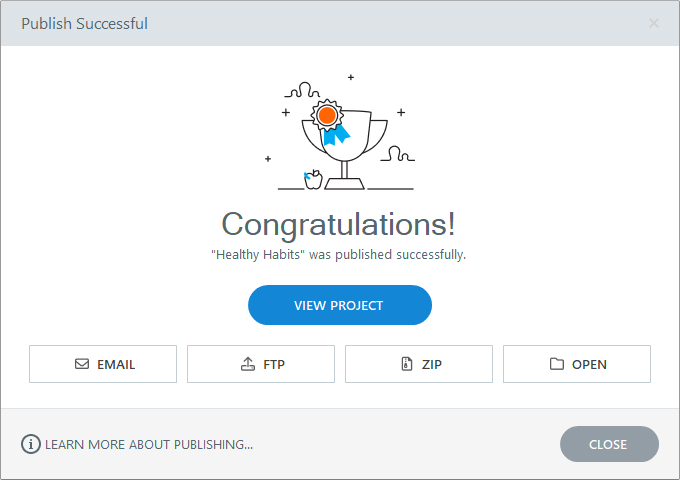
See these user guides to learn more about the Publish Successful options for each publishing format: