
Browse Articles
Select a Product
null Support Directory
Browse all null articles. (Last Updated
No articles found.
Search Results
No articles found.
Storyline 360: The Sidebar Is Missing in Player Properties
Article Last Updated Jan 16, 2026
This article applies to:
The modern player style in Storyline 360 is responsive, which means it adapts to the available screen space. If your player properties window isn’t big enough to preview the entire player, the sidebar will automatically collapse. You can still access the sidebar by clicking the menu icon (☰) on the player.
Here’s how the player properties window looks when the sidebar is collapsed.
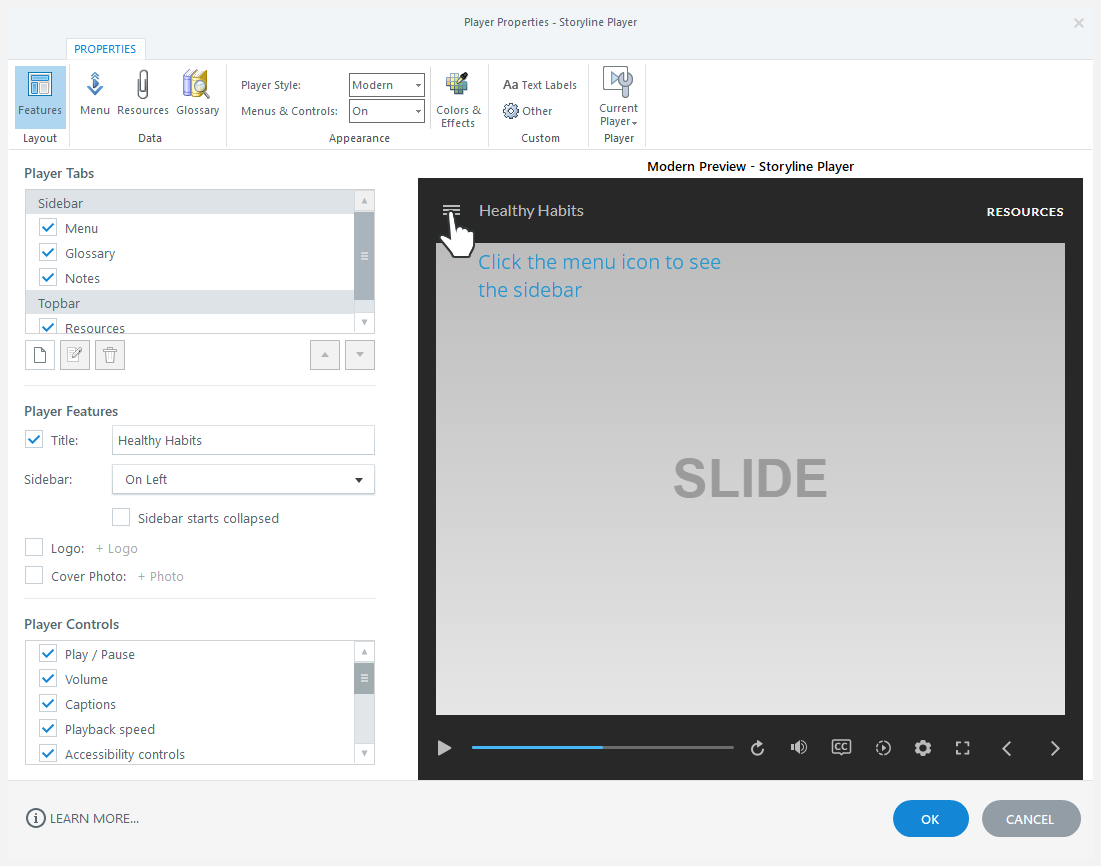
You can also make the player properties window bigger to expand the sidebar. Just drag any edge or corner of the window with your mouse.
