Browse Articles
Select a Product
null Support Directory
Browse all null articles. (Last Updated
No articles found.
Search Results
No articles found.
Storyline 360 and Studio 360: How to Use Scrolling Panels on Touchscreen Devices
Article Last Updated Jan 24, 2024
This article applies to:
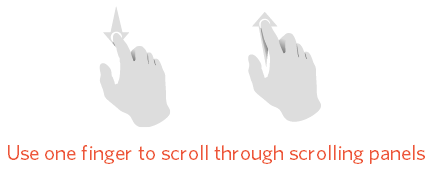
When viewing Storyline 360 and Studio 360 courses on a touchscreen device (iPad, iPhone, Android, etc.), use one finger to scroll through content in scrolling panels. You can scroll anywhere in the scrolling panel or use the scroll bar.