Browse Articles
Select a Product
null Support Directory
Browse all null articles. (Last Updated
No articles found.
Search Results
No articles found.
How to Determine Which Version of iOS You Have
Article Last Updated Jan 24, 2024
This article applies to:
Here's how to determine which version of Apple's iOS software is installed on your mobile device:
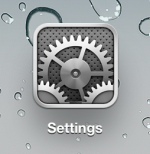
- On the home screen, tap the Settings icon.
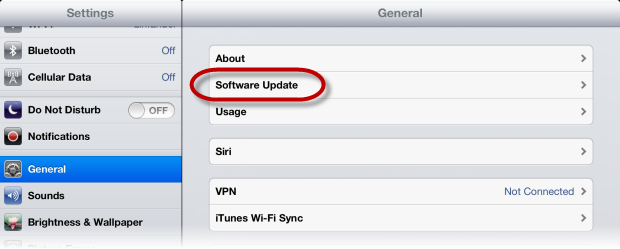
- Tap General in the left navigation pane.
- And tap Software Update in the right details pane.